• Skip to main content
  • Home
  • Blog
  • About
  • Github
  • Contact

Courtney Writes Code

Uncategorized

We Who Cut Stones

May 23, 2025 by courtneysims Leave a Comment

Last week, I shared the qualities The Pragmatic Programmer posits comprise a good software engineer. This week, I want to talk about one of them more in depth: “Care About Your Craft.”

On the cardstock fold-out in the back of the book, a tip reads “Why spend your life developing software unless you care about doing it well?” The idea that a person should always do their best is insidious. I know that’s not quite what the book claims, but the messaging is similar. “Care”, “do it well”, “do your best”, “why bother doing it if you don’t do it excellently” . . . all of these sentiments converge to the same call to action. Should we always be putting 100% of ourselves into our work? If not, what should the percentage be? What energy does that leave for the rest of our lives? How does this relate to the burnout epidemic?

To be clear, I’m not suggesting that a person shouldn’t care about their work, nor that I don’t care about my own work. I care. That’s why I picked up this book. I care a lot, and so I do want to do well. But if “well” isn’t 100%, then what is it? What does it mean to (in a healthy way) care about your craft? And is that amount enough?

You may ask, “enough for what?”, and I realize I don’t know. But that seems like the key question.

The Pragmatic Programmer references a medieval quarry worker’s creed — “We who cut mere stones must always be envisioning cathedrals.” It’s a beautiful idea.

Perhaps enough for that.

I’m also reminded of one of the first few tips in the book — “It’s Your Life.” And, honestly, I think this should have been the very first tip, because it’s the context in which to view everything else. I’ll spend 80,000 hours of my life at my job. Why do I do it? How do I want to do it? There are no wrong answers.

Perhaps enough for that.
Filed Under: Uncategorized

Animals Playing Music

July 29, 2024 by courtneysims 4 Comments

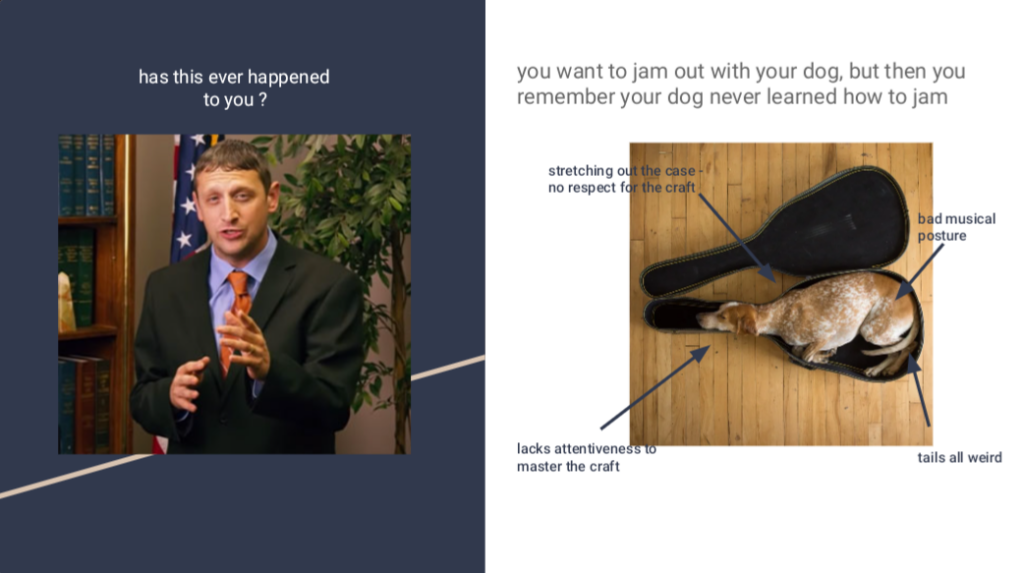
Earlier this summer, I participated in a hackathon. It was an un-themed, free-for-all hackathon (my favorite kind), so, naturally, I asked myself — what if we could use technology to help animals play music?

Credit to emperor_slime

Observation

I live with a herding breed dog. If you know anything about these kinds of dogs, you know they’re always staring at their people, waiting for something to do. They’re very smart and very active. If you too have lived with a herding breed dog, you know how easily they get bored and how much they rely on you to fix this for them. You also have probably developed some empathy for this situation and feel a little guilty when you do activities that don’t include them. Or maybe that’s just me, but that’s where this whole thing started.

I like to play music, but often when I sit down to play, my dog stares at me with her sweet puppy dog eyes and, instead of feeling happy about playing music, I feel sad that she can’t play too.

Question

What if it didn’t have to be like this? What if Penny (or Luna, the cat!) could join the band?

Hypothesis

  1. If I arrange a way for Penny and Luna to step on something that produces musical sound, they will choose to do this for a reward.
  2. The stepping can be done in a way that complements music being played by others.

Attempt #1

What happens when I try to convince them to play an instrument without technology? Maybe we don’t need tech after all. Let’s find out . . .

Materials

  • Piano
  • Tiny scoop of cat food
  • Cat toy

Methodology & Results

Luna

  1. Attempt to lure Luna onto the piano with a scoop of food. -> No response.
  2. Attempt to lure Luna onto the piano bench with a toy. -> No response. Absolutely no interest in approaching the piano for any reason.

Penny

  1. Leverage previous trick experience to get Penny to put her paws on the piano bench. -> Success!
  2. Leverage “shake” cue to get Penny to put her paw on the piano keys. -> Somewhat successful . . . but the sound was not very pleasant and she looked physically uncomfortable in that position . . . and tbh I was concerned she would hurt the piano.

Attempt #2

What if we use a little bit of physics instead of tech? How much better is that?

Materials

  • Small midi keyboard placed on the ground
  • Some random hook that the person who owned my house before me left in the garage
    • Could be anything you can turn into a lever though
  • Box from an Amazon delivery
  • Box cutter

Methodology

  1. Setup a midi keyboard to create a fun sound with the push of adjacent keys.
  2. Cut small pieces of cardboard for stacking.
  3. Create a simple machine (by placing the weird hook on pieces of cardboard) to concentrate the weight of the paw onto those specific keys (and simultaneously protect the keyboard from direct paw->key contact).

Results

Luna

Zero interest. Not good.

Penny

Not bad.

Attempt #3

Okay, let’s think more about the user experience here. What if there was something flat on the ground that could just be walked across to produce sound? Can we create a pressure sensor and somehow connect that to a music producing device?

Materials

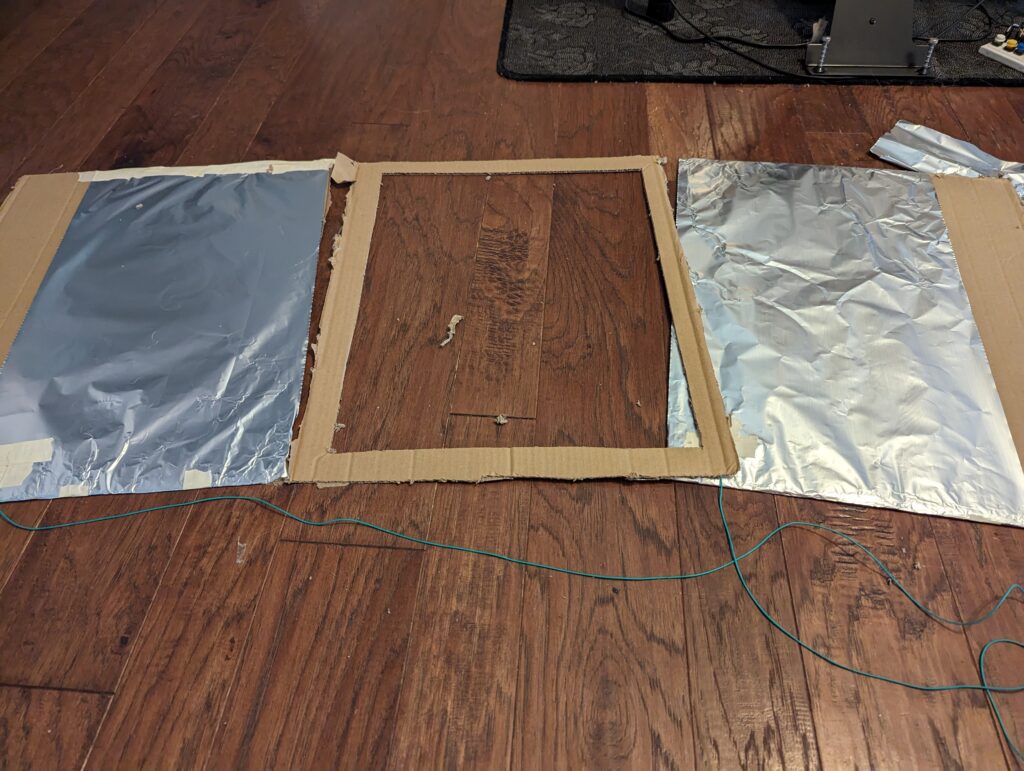
  • More cardboard from the Amazon box
  • Aluminum foil
  • Wire
  • Wire strippers (or a knife, or a fingernail)
  • Tape
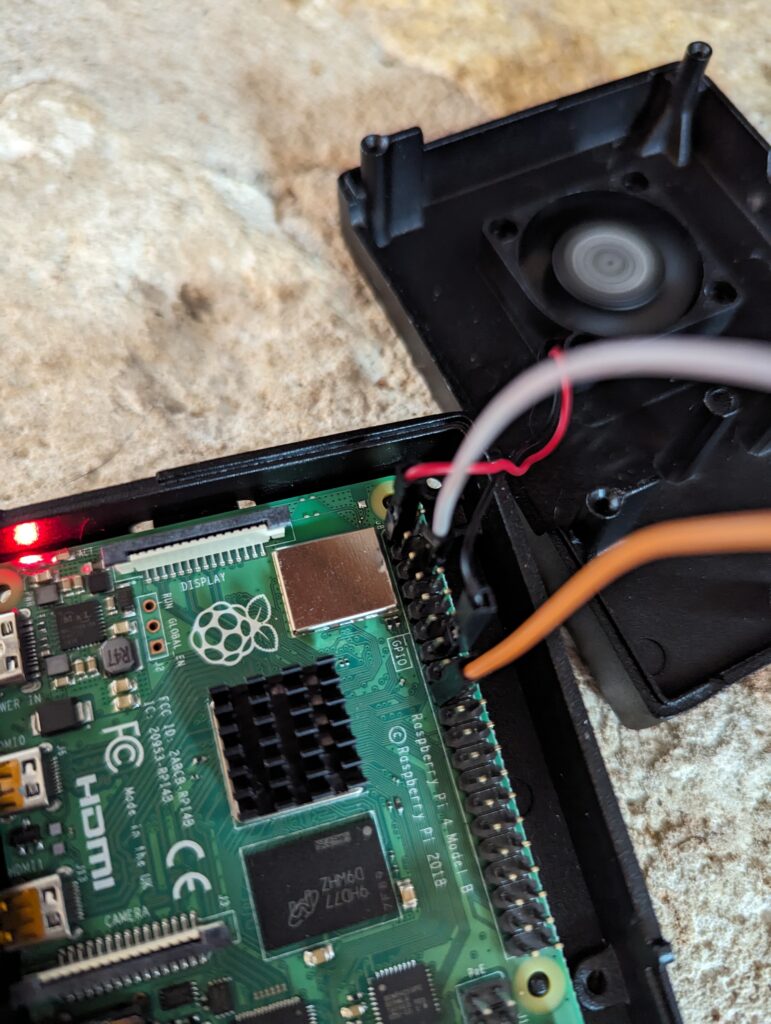
  • Raspberry pi
    • Connected to a monitor, keyboard, and mouse
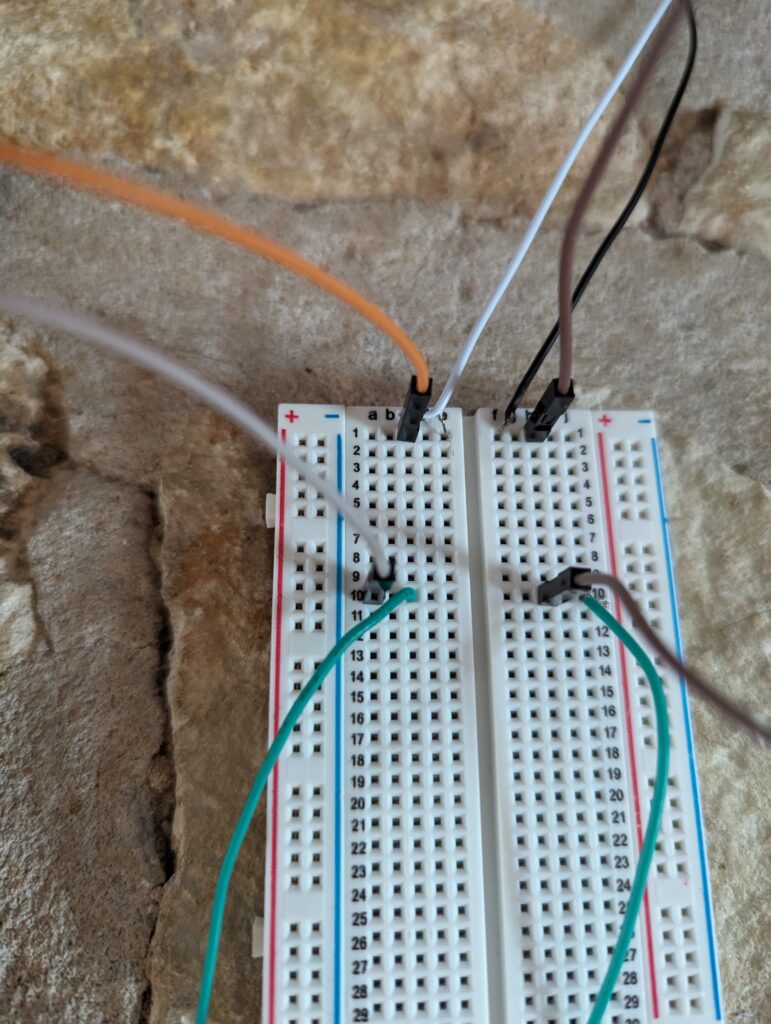
  • Breadboard
  • Breadboard jumper wires
  • Resistor
  • Optional
    • Battery
    • LED diode light

Methodology

  1. Follow steps 1-5 of this guide to create a DIY pressure sensor. It is shockingly straightforward.

Optional: to confirm the pressure sensor is working, connect the wires to a battery and lightbulb.

2. Follow this guide to connect the raspberry pi to the pressure pad. Choose the basic setup option with the resistor and, of course, the DIY pressure pad instead of a store-bought sensor. Strip the ends from the wires to insert them into the breadboard, just like when taping them to the aluminum foil previously.

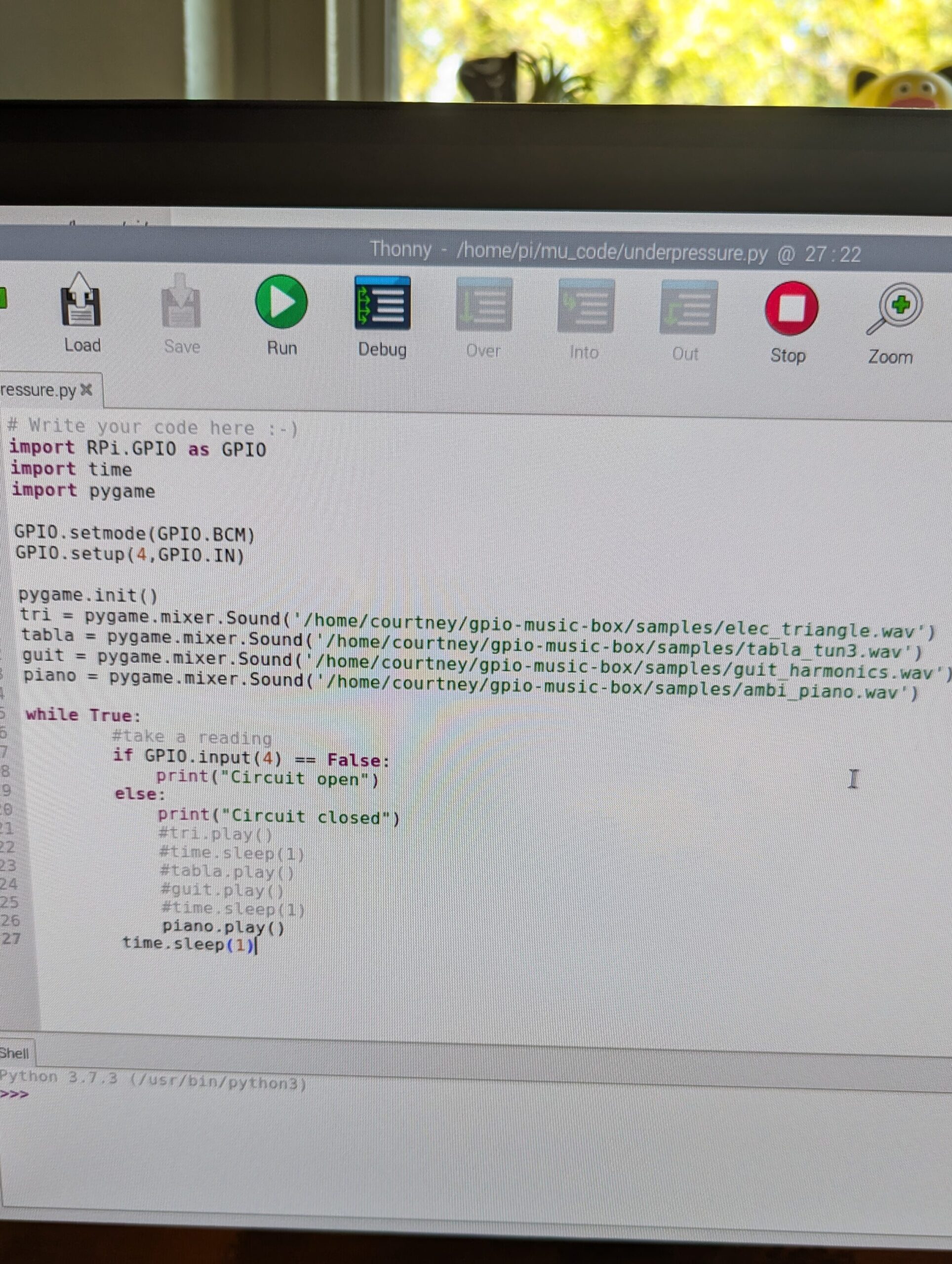
3. The code is super simple. Use the RPi.GPIO library for the breadboard connection and the pygame library for the music. After trying several sound types, I left it on piano, which can be heard in the videos.

Results

Look at them go!!

Conclusion

This was a good MVP. I created a device that produced musical sound and that my users seemed to like.

Looking back at my hypotheses, I validated 1/2 of them. When I arranged a way for Penny and Luna to step on something that produced musical sound, they did in fact choose to do this for a reward.

The next steps for this project would then be validating the second hypothesis, which I sadly did not have time for during this hackathon: Configure the device to complement music being played by others. There are so many options for this! Can the animals play a chord at the right time? Can they play a series of recorded notes on a consistent beat? Could we time the reward dispensation to a pattern that facilitates this? Or maybe the animals could have their own versions of a guitar solo at a particular point in a song?

Some things to work out for this next phase are how to work with more advanced sounds in the code (I couldn’t get my own mp3 files to play, only the samples), how to automatically dispense the rewards, and how to keep the animals nearby and engaged when rewards are not being dispensed.

Filed Under: Uncategorized

Copyright © 2026 · Lifestyle Pro on Genesis Framework · WordPress · Log in